Step 1: Add Documents
The ePublisher Express Trial Project opens automatically on first launch.
Returning user? Choose File > Open and navigate to:
Documents\ePublisher Express Projects\ePublisher Express Trial Project\ePublisher Express Trial Project.wrpAdd the sample source document to the Document Manager:
- Click View > Project Directory
- Open
Source-Docs - Drag
quantum-sync.mdto the Document Manager
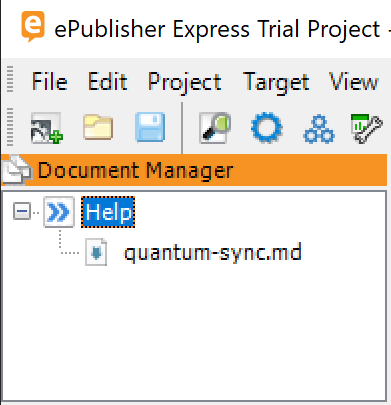
Tip: This single file includes all the sample topics. Markdown++ uses
<!--include:--> directives to compose documents.Last modified date: 02/14/2026